It’s amazing how far technology has come over the years. From the studio days with giant mixing boards, to the home studio in the new millennium where anyone can get a DAW like Protools or Logic so they can record, mix, and master their own music right from home (with a slight learning curve of course).
First things first, you’ve got to get an iPad (Amazon) if you don’t have one already. Owning an iPad gives you the convenience and versatility to create content on the go in any location around the world. While you may need an internet connection to upload and send content, much of the time you can create offline, whether you’re in the middle of nowhere, or on an airplane getting to your next destination.
Next, you need a digital workstation. There are a number of apps to choose from, but right now, I’m using Cubasis 3. Cubasis 3 comes loaded with virtual instruments and hundreds of preprogrammed drum beats to use. you can record these virtual instruments in a few different ways. Load one up with the virtual keyboard and play with the tap of your fingers. However, what I really like is that if you’re not all that familiar with keyboard voicing, you can switch to pads and it will automatically load some chords for you. This makes it really simple and fast to create great sounding chord progressions, especially if you’re not well versed with music theory. There is also a midi editor available to use if you would rather punch in some blocks.
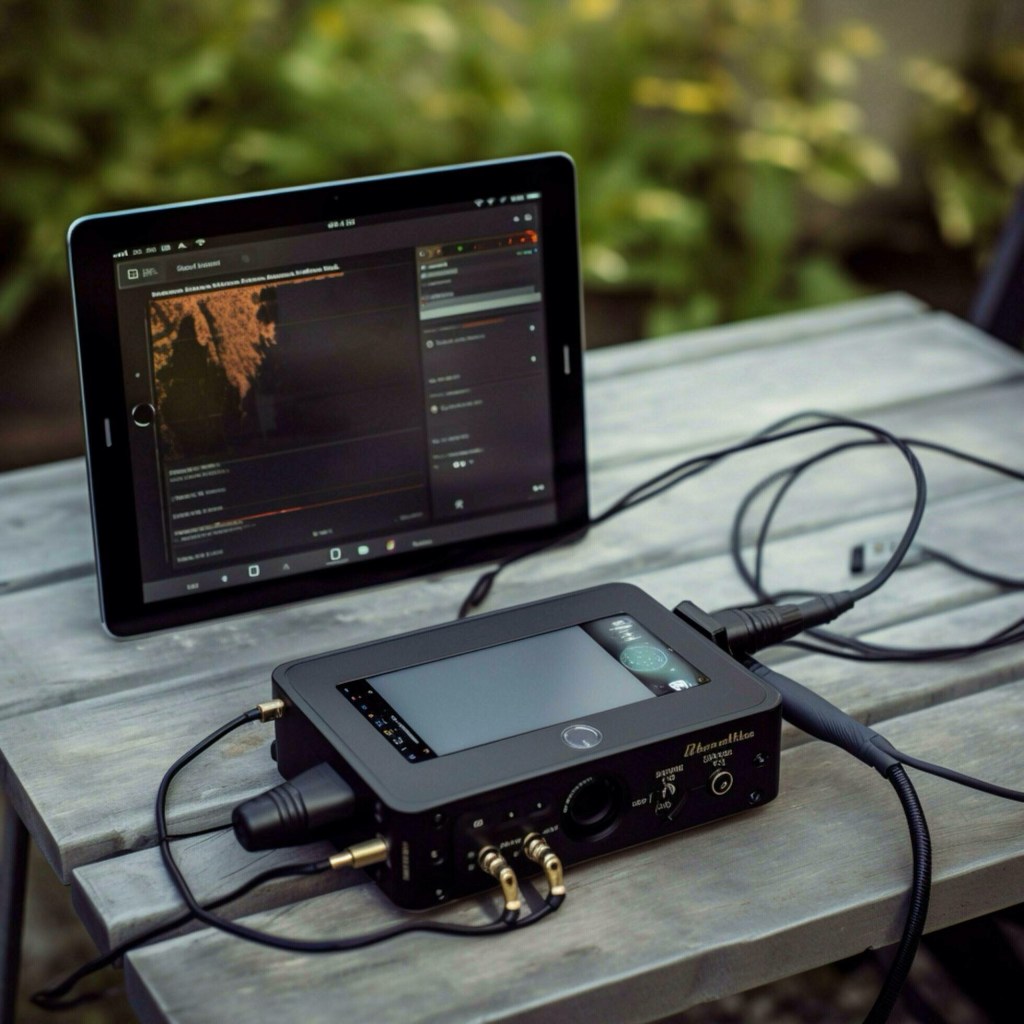
It’s also wise to get some sort of interface that is compatible with the iPad. I use the iRig Pro Duo and it allows me to record two instruments simultaneously plugging straight into the iPad. I use one input for a guitar or digital piano, and the other for a microphone. The iRig Pro Duo has many awesome features such as having two built in preamps, and not to mention the portability aspect. For a more budget friendly but also very functional option than the Duo, check out the iRig HD X or the iRig 2. Not only can you use the iRig with Cubasis 3, but just about any music app you can think of on your iPad or iPhone! It even comes with some free apps, but if you want to keep things simple, you can record yourself with the normal iPad video recorder and upload that straight to YouTube or instagram.
If your just recording music alone, you can easily export the audio, or take it a step further by plugging it into a video editor app such as LumaFusion. The possibilities are endless!
 Mindful Explorer